Ocotillo Spotlight on Instructional Technology
Note: The Ocotillo Spotlight is no longer published, but all previous issues will remain on this site.
spotlight for May 2004
For the May 2004 Ocotillo Spotlight the developer of the Chandler-Gilbert ePortfolio system, Audree Thurman, describes the features available and provides illustrative examples of how the ePortfolio has been used by students, faculty, and staff. And everyone else at Maricopa can now create their own ePortfolio on a new server set up at MCLI.
What is an ePortfolio? Chandler-Gilbert Knows!
written by Audree Thurman, Enterprise Application Designer, Chandler-Gilbert Community College
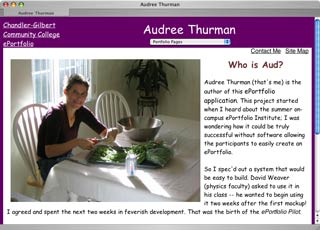
This project started when I heard about the summer on-campus ePortfolio Institute; I was wondering how it could be truly successful without software allowing the participants to easily create an ePortfolio.
So I spec'd out a system that would be easy to build. David Weaver (physics faculty) asked to use it in his class -- he wanted to begin using it two weeks after the first mockup! I agreed and spent the next two weeks in feverish development. That was the birth of the ePortfolio Pilot.
David's class went very well; several improvements ensued based on user experience. The ePortfolio Institute happened the first week of June. Everyone who participated created an ePortfolio using the pilot application (pilot web site). One morning was spent brainstorming enhancements, improvements, etc.
I spent several weeks this summer (2003) implementing these enhancements and hooking the application up to our enterprise metadirectory so the system would be secure and robust.
Usage by faculty and students took off in Fall 2003 as several faculty began integrating ePortfolios into their courses (see a few examples).
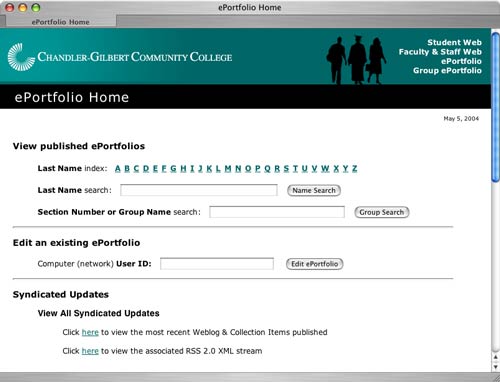
It is really easy to construct an ePortfolio - no knowledge of web design or programming is needed. At Chandler-Gilbert,Êevery student and employee can build an ePortfolio using their network userID and password:
As users, they create and publish "content";Êthe ePortfolio system adds layout and navigation. The kinds of "pages" that can be added include:
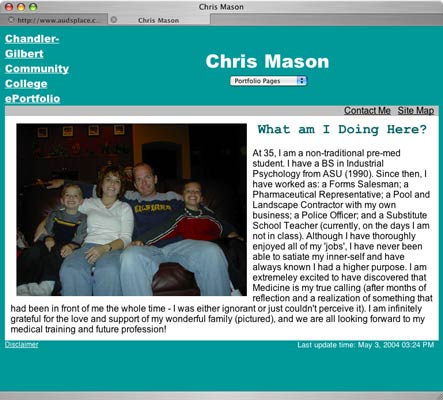
- Home - This page contains a picture and text. For example, it could be a picture of yourself along with a short introduction or biography - example home page
- Collection - This page contains a collection of links and associated descriptions. The link contents may already exist or be uploaded for use in this page - example collection page
- Document - This refers to a stand-alone document; it is prominently displayed outside of a collection and will not render within the ePortolio default template. It could be any type of document including Word, Power Point, Multimedia, etc.
- Templated Document - This is an "html" or "txt" document that will be rendered within the ePortfolio default template and chosen format - example templated document page
- Web Log (blog) - This is a series of entries (perhaps journal or log entries) ordered by date; a weblog entry can contain an optional picture plus text - example blog page
- Slide Show - This is a set of pictures and captions that are turned into a slide show for you. Information regarding suggested picture size and resolution can be found on the "Add Slide Show" form. - example slide show page
- Calendar - This is a personal calendar to be included in your ePortfolio. You can add events to your calendar such as your office hours, committee meeting times, holidays and vacations - example calendar page
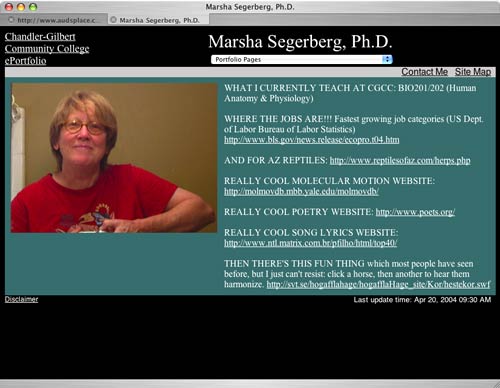
Look at some ePortfolio examples created by Chandler-Gilbert students in various disciplines:
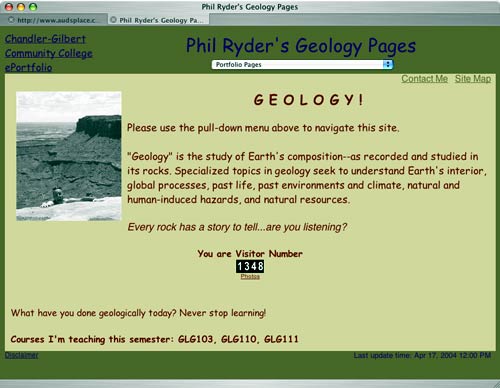
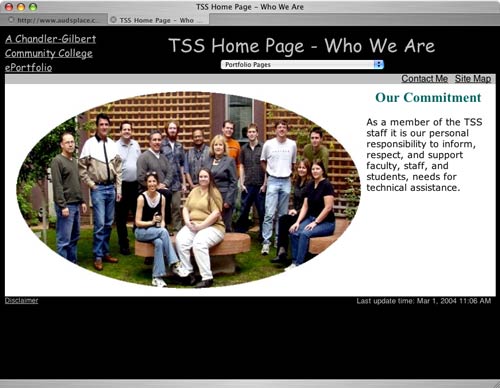
Faculty are also creating ePortfolios for different uses (class materials, instructor information, posting assignments, etc).
Newly added are features to create grouped ePortfolios. Class members can be easily grouped together, e.g.,
And beyond the classroom ePortfolios are used for project management and support services:
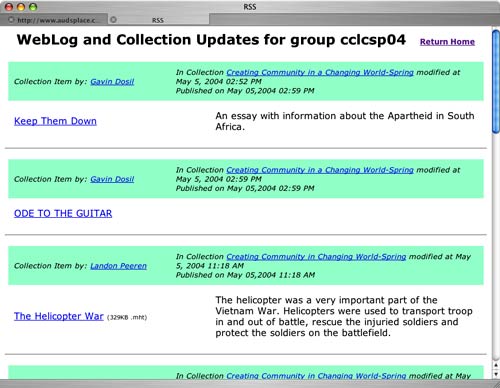
A feature we just incorporated for Spring 2004 is a way to easily keep tuned into what is new with different ePortfolios. Portfolio users (and others) can register for email notification when content changes (so students can be notified when their teacher
publishes new content. And teachers can be notified when their students publish new work in their student ePortfolios.
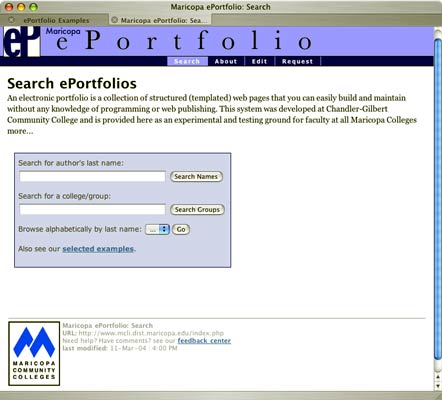
Finally, since we recognize that faculty at the other Maricopa colleges are interested in this tool, we have worked with MCLI to set up an ePortfolio server you can use right now! You can visit this site and use the online form to request your own ePortfolio to be created.
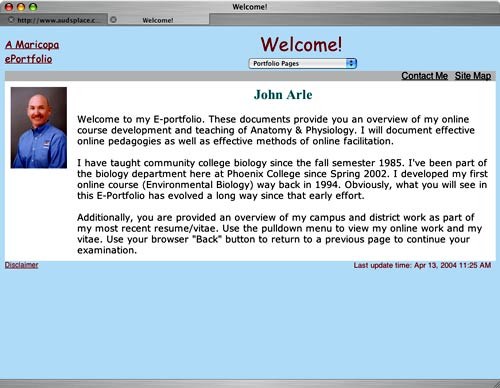
For his FEP, Biology faculty John Arle (Phoenix College) recently created an ePortfolio highlighting his online Anatomy & Physiology class.
I hope this spotlight has given you a good taste of what an ePortfolio can do, and may motivate you to start experimenting with your own ideas.
Chandler-Gilbert MyEport
http://eport2.cgc.maricopa.edu/
Maricopa ePortfolio
http://eport.mcli.dist.maricopa.edu/
|